Lab 1: Deploy app and bigip
Task 1.1 - Configure jenkins credentials
1.1.2 Verify that credentials are configured
- verify the following credentials exists:
- Secret: ‘USERNAME’ , ID: ‘vault_username’
- USERNAME: used as the username for instances that you launch. also used to tag instances. example johnw
- Add the following credentials:
- Secret: ‘EMAIL’ , ID: ‘vault_email’
- EMAIL: your EMAIL address
- Add the following credentials:
- Secret: ‘YOUR_SECRET_PASSWORD’ , ID: ‘vault_password’
- USERNAME: used as the password for instances that you launch. needs to be a secure password.
- Add the following credentials:
- Secret: ‘teams_builds_uri’ , ID: ‘teams_builds_uri’
- USERNAME: uri used for teams
Task 1.2 - Deploy environment
1.2.1 Open Jenkins:
- LOCAlL: open http://localhost:10000
- username:
snops, password:default
1.2.2 start the ‘Deployment Pipeline’:
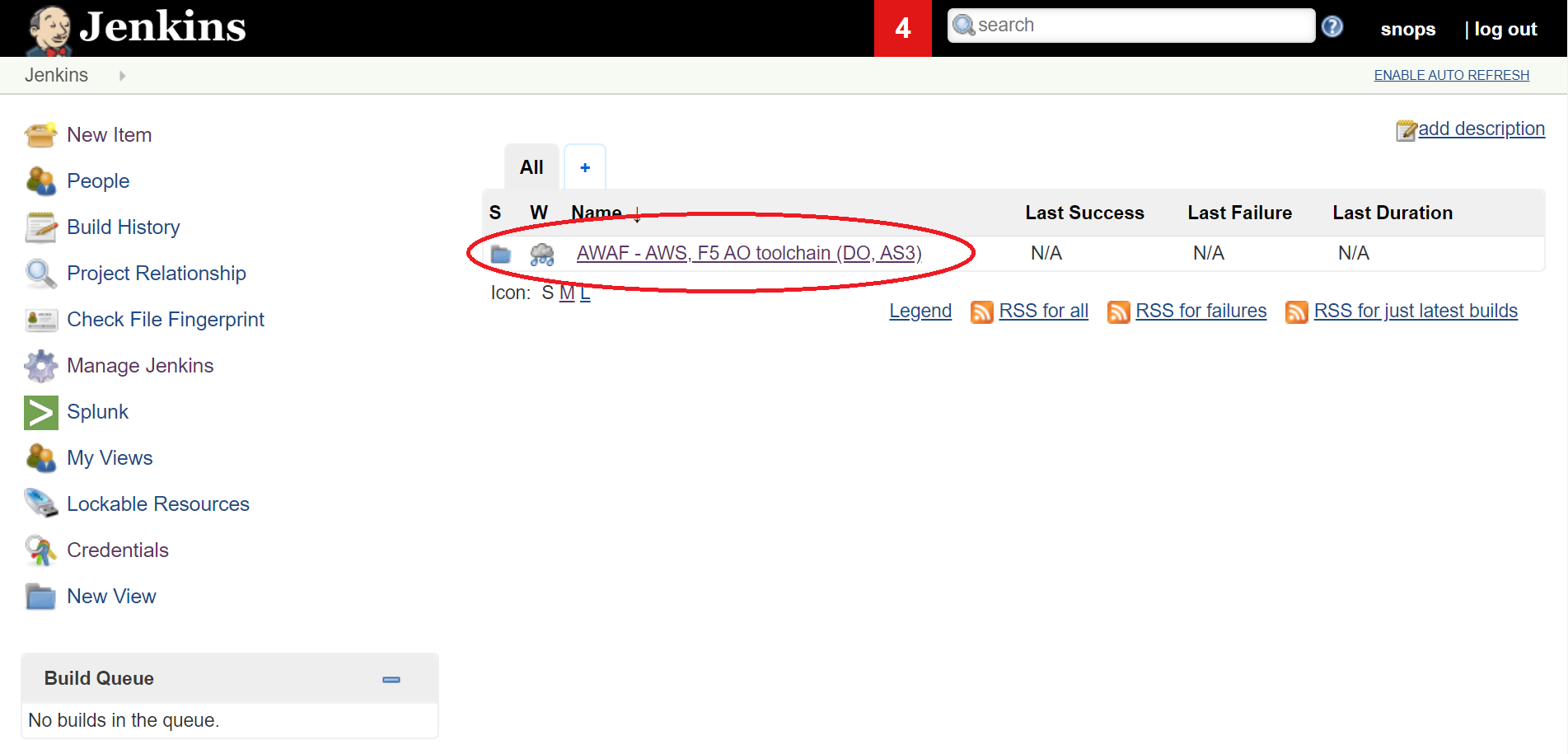
in jenkins open the AWAF - AWS, F5 AO toolchain (DO, AS3) folder, the lab jobs are all in this folder we will start by deploying a full environment in AWS.
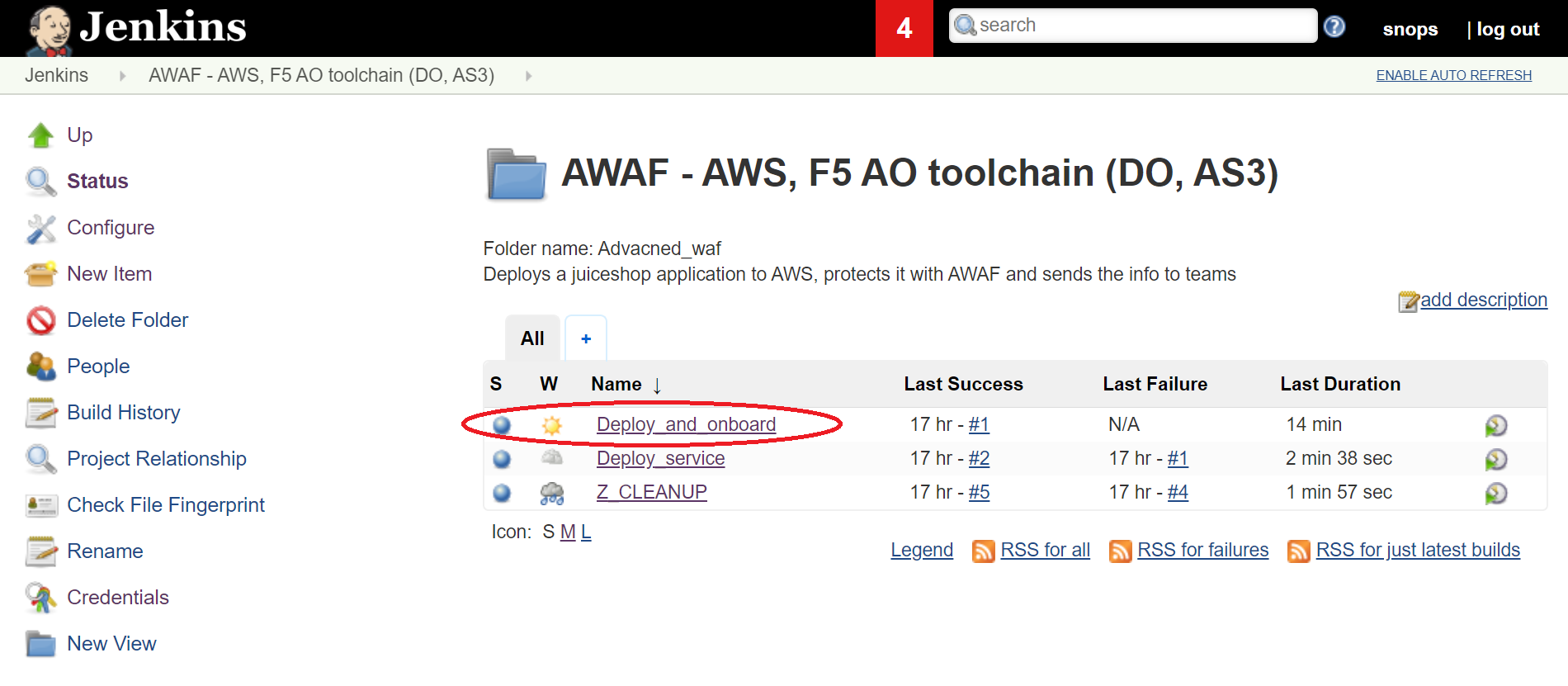
click on the ‘Deploy_and_onboard’ job.
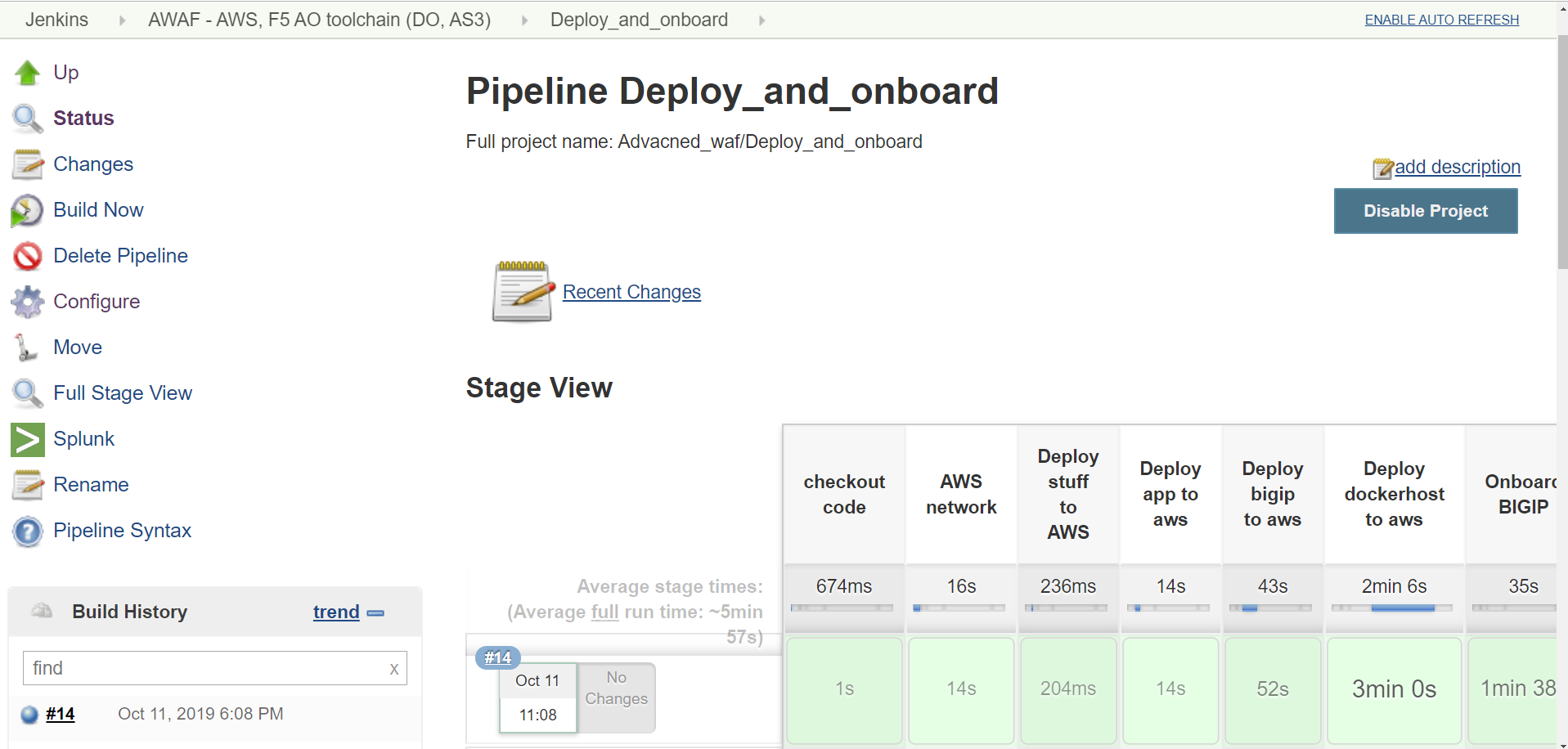
click on Build Now button on the left side.
Task 1.3 - Review the deployed environment
1.3.1 review jobs output:
- you can review the output of each job while its running, click on any of the green square and then click on logs icon
1.3.2 let the jobs run until the pipeline finishes:
- wait until all of the jobs have finished (turned green).
1.3.3 open teams channel and extract BIG-IP info:
- open the teams channel you’ve configured in the ‘initial setup’ section
- jenkins will send to this channel the BIG-IP address.
- username is the ‘vault_username’ that was configured in jenkins credentials
- password is the ‘vault_password’ that was configured in jenkins credentials
1.3.4 login to the BIG-IP:
- use the address from the slack notification (look for your username in the builds channel)
- username is the ‘vault_username’ that was configured in jenkins credentials
- password is the ‘vault_password’ that was configured in jenkins credentials
explore the objects that were created:
- AS3 and DO installed
Task 1.4 - Deploy services:
1.4.1 Open Jenkins:
- LOCAlL: open http://localhost:10000
- username:
snops, password:default
1.4.2 start the ‘service deployment Pipeline’:
in jenkins open the AWAF - AWS, F5 AO toolchain (DO, AS3) folder, the lab jobs are all in this folder
- click on the ‘Deploy_service’ job.
- click on Build Now button on the left side.
Task 1.5 - Review the deployed application
1.5.1 review jobs output:
- you can review the output of each job while its running, click on any of the green square and then click on logs icon
1.5.2 let the jobs run until the pipeline finishes:
- wait until all of the jobs have finished (turned green).
1.5.3 open teams channel and extract application information info:
- open the teams channel you’ve configured in the ‘initial setup’ section
- jenkins will send the application access information to this channel